AI in Test Automation for Software Development in 2026
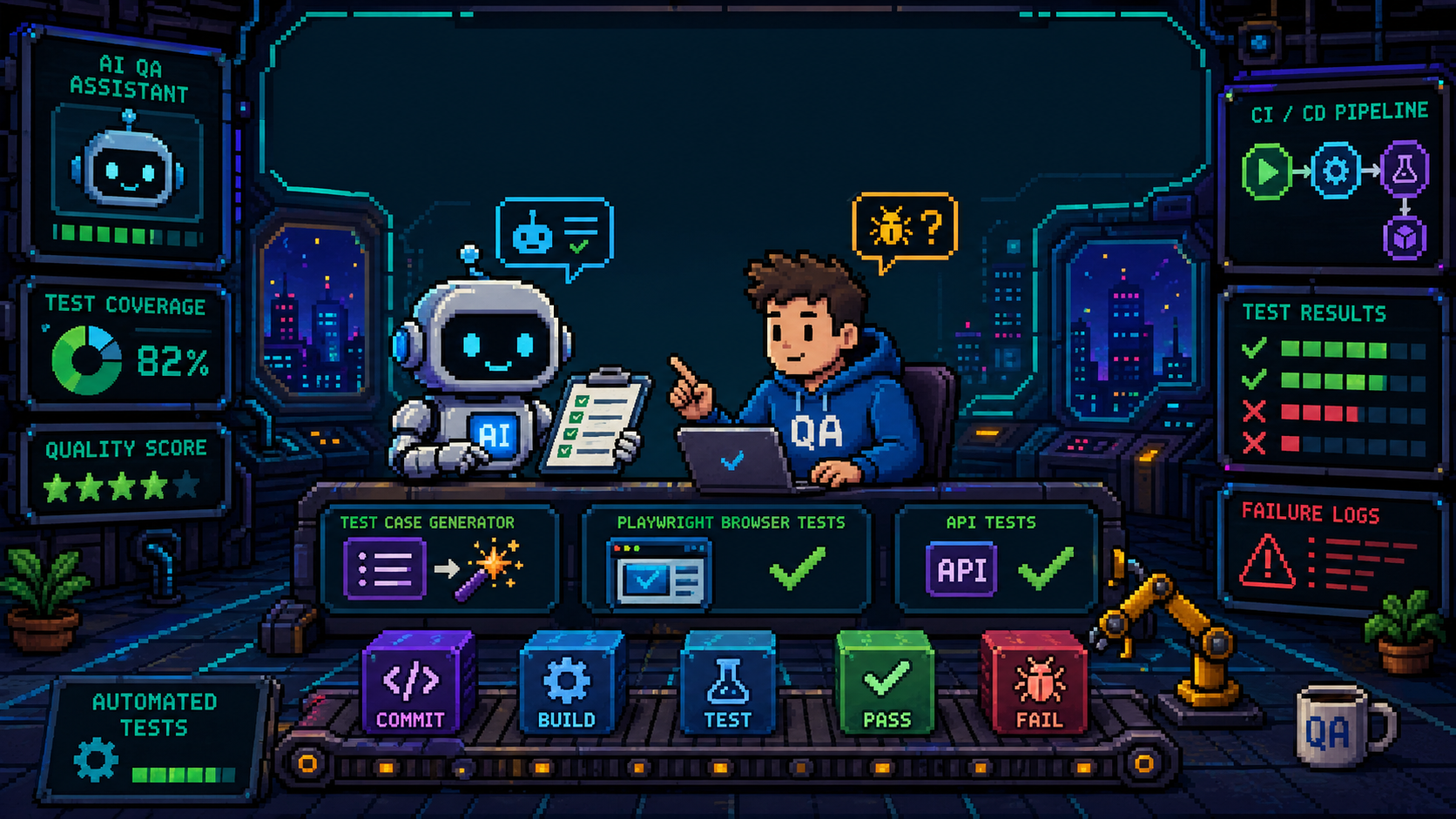
Overview
AI is becoming a normal part of software testing, but it is not a replacement for test strategy, product judgment, or engineering review. In 2026, the strongest use of AI in test automation is as an accelerator: it helps teams create first drafts of tests, prioritize risk, debug failures, summarize evidence, generate test data, and maintain suites that would otherwise become expensive and brittle.
The weak use of AI is treating it as an autonomous quality owner. AI can hallucinate requirements, write tests that assert the wrong behavior, hide flaky failures behind retries or self-healing, leak sensitive data if prompts are unmanaged, and create a false sense of coverage. The best teams use AI with explicit human ownership: testers and developers define the risk model, review generated tests, validate assertions, inspect changes, and decide what is good enough to ship.
The 2026 direction is clear: AI-assisted testing is moving from isolated prompt experiments into integrated development workflows. BrowserStack’s 2026 survey of more than 250 engineering leaders reported broad AI use across testing workflows and found that integration with existing workflows is a major adoption challenge. Applause’s 2025 State of Digital Quality report found AI usage in functional testing rising sharply, while also emphasizing that human-in-the-loop review remains essential. Industry trend reports for 2026 repeatedly point to self-healing automation, low-code test creation, AI-assisted prioritization, and continuous testing in CI/CD as the main practical themes.
What AI Can Automate Well
AI works best when the task has enough context, clear acceptance criteria, and a verifiable output. The more deterministic the verification step, the safer AI assistance becomes.
Test Case Drafting
AI can turn user stories, tickets, requirements, release notes, API specs, design screenshots, and code diffs into candidate test cases. This is useful for finding missing happy paths, negative paths, boundary values, and regression checks. It is especially helpful when a tester asks for structured output: preconditions, steps, data, assertions, and expected result.
Human review is still required because AI often invents requirements that were never agreed to, misses business-specific rules, or writes test cases that sound good but do not protect a real user journey.
Automated Test Code Generation
Coding agents and LLMs can draft Playwright, Cypress, Selenium, Appium, pytest, or API tests. They are particularly effective when the repository already has strong test patterns, stable fixtures, page objects, helper functions, and naming conventions. Current coding agents can inspect a codebase, edit files, run tests, and iterate on failures.
The best pattern is not “write tests from scratch.” It is “follow the existing test style, add a focused test for this behavior, run the smallest relevant test command, and show the diff.” This keeps AI close to the team’s standards.
Test Maintenance and Self-Healing
AI can reduce routine maintenance by suggesting locator updates, identifying renamed UI elements, and adapting scripts to small interface changes. Commercial AI-native testing platforms now advertise self-healing, generated assertions, and failure triage. These features are most useful for minor UI drift and repetitive maintenance.
Self-healing should not silently rewrite the meaning of a test. If a checkout button moves, healing may be fine. If a payment confirmation step disappears, healing may hide a real product defect. Teams should review healing reports and require approval for high-risk flows.
Risk-Based Test Selection
AI can analyze changed files, commit history, recent failures, ownership, and feature areas to recommend which tests to run first. This helps when a full suite is too slow for every pull request. AI can also flag redundant, outdated, or low-signal tests.
This should supplement, not replace, minimum safety gates. Critical smoke tests, contract tests, security checks, and compliance workflows should still run consistently.
Failure Triage
AI is good at summarizing CI logs, screenshots, Playwright traces, Cypress videos, HAR files, stack traces, and crash logs. It can classify failures into likely buckets: product bug, test bug, environment issue, data setup problem, flaky timing issue, dependency outage, or assertion mismatch.
This is one of the highest-value use cases because the human still makes the final call, but AI removes a lot of mechanical reading.
Test Data Generation
AI can generate realistic synthetic data, boundary-value tables, invalid inputs, localization examples, accessibility labels, and data permutations. For privacy-sensitive work, AI should generate synthetic data from rules rather than transform real customer records.
Never paste production PII, secrets, customer data, credentials, proprietary logs, or regulated data into an AI system unless your organization has explicitly approved that data path.
Documentation and Reporting
AI can summarize test plans, release risk, coverage gaps, flaky tests, and test results for product managers or engineering leadership. This is useful because QA often produces evidence that is technically rich but hard for non-testers to scan.
The risk is overconfident reporting. AI summaries should link back to raw evidence: test run IDs, failing specs, bug tickets, logs, traces, screenshots, and dashboards.
Where Humans Must Stay on Guard
AI-assisted testing fails when teams confuse generated text with verified quality. The following areas need human attention.
Test Oracles
A test oracle is the rule that decides whether behavior is correct. AI can suggest assertions, but humans must decide what the software should actually do. This is the hardest part of testing and the easiest place for AI to be wrong.
Example: AI can write expect(total).toBe("$100.00"), but only a product-aware human can confirm whether tax, discount, currency, rounding, and shipping rules make that amount correct.
Business Logic and Domain Rules
AI is weak when requirements are implicit, political, regulated, or domain-specific. Finance, healthcare, legal, safety, identity, payments, privacy, and security features require careful review by people who understand the domain.
Security and Privacy
AI can recommend dangerous test data handling, leak secrets in generated examples, or suggest bypasses that violate internal policy. AI agents that can run commands or edit repositories need sandboxing, scoped permissions, and code review. Secrets should stay in secret managers, not prompts or generated files.
Flaky Tests
AI may “fix” flakiness by adding waits, retries, or looser assertions. That can reduce noise but also hide real race conditions. Flaky-test work should ask why the test is unstable: uncontrolled data, timing, animation, external service dependency, poor locator, shared state, or real product nondeterminism.
Accessibility, UX, and Real-World Judgment
AI can run accessibility checklists and inspect common WCAG issues, but it cannot fully replace people using assistive technologies, real devices, different network conditions, and real workflows. UX failures often require human observation.
Coverage Illusions
AI can create many tests quickly. That does not mean risk is covered. A large AI-generated suite can be shallow, redundant, brittle, or assert implementation details instead of user-visible behavior.
Measure useful signals: escaped defects, critical journey coverage, mutation or fault detection where appropriate, flaky rate, maintenance time, review defects found in AI output, and time-to-diagnosis.
Positive Cases for AI in Test Automation
- A developer changes a billing rule. AI reads the diff, identifies affected API and UI flows, drafts focused pytest and Playwright tests, and suggests impacted regression tests. A human reviews the expected values and edge cases.
- A QA engineer receives a vague story. AI converts it into a test matrix with happy paths, negative paths, accessibility considerations, localization risks, and test data ideas. The tester trims and corrects the matrix.
- A CI run fails in ten places. AI groups failures by root cause and shows that eight failures share the same API setup error. The team fixes one fixture instead of chasing ten tests.
- A UI refactor changes labels and layout. AI suggests locator changes based on user-facing roles and test IDs, and the reviewer confirms that the workflow meaning did not change.
- A team with a large microservice system uses AI to identify contract-test gaps and generate draft Pact interactions. Developers validate that the contracts reflect real consumer behavior.
- A product team needs release evidence. AI summarizes test results, known risks, and unresolved failures from CI and issue trackers, linking back to the raw artifacts.
Negative Cases and Failure Modes
- AI writes tests from a requirement that is outdated. The tests pass, but they enforce the wrong product behavior.
- AI adds broad retries to flaky tests. CI becomes greener, but a real timing bug reaches production.
- AI generates UI locators based on CSS class names. The suite becomes brittle after the next design change.
- AI creates dozens of shallow tests that check that pages load, but none verify the critical business outcomes.
- AI summarizes a failing payment test as an environment issue without checking the trace. The team misses a real regression.
- AI uses production-like personal data in prompts or generated fixtures. This creates privacy and compliance risk.
- An AI coding agent updates application code while trying to make tests pass. The test passes by changing behavior instead of detecting the bug.
- A self-healing tool maps a removed button to a different nearby button. The test passes while the actual user journey is broken.
Practical Workflow for AI-Assisted Testing
1. Start With Risk, Not Tools
Before asking AI for tests, define what can go wrong:
- Which user journeys matter most?
- What changed in this release?
- Which customers, devices, regions, permissions, or data states are risky?
- Which failures would block release?
- Which failures are acceptable known risk?
AI is much better when the prompt includes risk context.
2. Use AI for Drafts, Then Review
Treat AI-generated tests like junior engineer work: useful, fast, and always reviewed. Review the requirement, test name, setup, assertions, cleanup, data, and failure message.
3. Keep Tests Deterministic
Prefer stable test data, isolated state, mocked third-party dependencies, contract tests for service boundaries, and explicit fixtures. Avoid tests that depend on uncontrolled time, external services, random user data, or another test’s state.
4. Prefer User-Visible Assertions
For UI automation, assert what the user sees or can do. Playwright’s best practices recommend user-visible behavior and resilient locators such as roles, labels, and test IDs. This is also a good guardrail for AI-generated UI tests.
5. Make AI Show Its Evidence
Ask AI to explain why each test exists, what risk it covers, and which requirement or code change it maps to. For failure triage, ask it to cite log lines, screenshots, traces, or files.
6. Use Small, Reviewable Changes
Ask coding agents for one test file or one behavior at a time. Require a diff. Run the smallest relevant test locally or in CI. Reject broad rewrites unless the task is explicitly a refactor.
7. Build a Team Prompt Library
Maintain reusable prompts for:
- Writing test cases from a story
- Reviewing AI-generated tests
- Creating negative test matrices
- Summarizing CI failures
- Generating API boundary values
- Checking accessibility test coverage
- Identifying flaky-test root causes
Store these prompts with examples of accepted output.
8. Create AI Usage Rules
Define what AI may and may not access. Include rules for production data, credentials, source code, third-party tools, generated code review, model selection, logging, and retention.
Comparison: AI Models and Coding Assistants for Testing Work
| Option | Best fit for test automation | Strengths | Watch-outs |
|---|---|---|---|
| OpenAI GPT-5.5 / Codex | Long-running coding tasks, test implementation, refactors, debugging, validating changes with tools | Strong agentic coding and tool use; current OpenAI docs position GPT-5.5 as the flagship model for complex reasoning and coding | Higher cost than smaller models; still requires review, sandboxing, and clear repository instructions |
| OpenAI GPT-5.4 mini/nano or similar smaller models | Test classification, log summarization, lightweight test ideas, tagging flaky failures | Lower cost and latency for repetitive tasks | Not ideal for complex multi-file reasoning or subtle domain rules |
| Claude Code | Terminal, IDE, GitHub Actions, PR/issue-driven coding tasks | Reads codebase, edits files, runs commands, can create PRs and follow repository instructions | Must manage permissions, secrets, CI cost, and review all generated diffs |
| GitHub Copilot cloud agent | GitHub-native teams that want issue-to-PR automation | Works inside GitHub workflows and can request human review | Repository context and policy configuration matter; do not merge without review and tests |
| Gemini Code Assist | Teams using Google Cloud, Android Studio, VS Code, JetBrains, or cloud-adjacent workflows | IDE chat, code generation, local codebase awareness, enterprise integrations | Validate output; strongest fit when your stack is already aligned with Google tooling |
Model selection should be based on your workflow, not only benchmark claims. For test automation, integration usually matters more than raw model score: can the tool read the relevant files, follow your test style, run the right command, protect secrets, and produce a reviewable diff?
Comparison: Test Automation Frameworks and Platforms
| Framework or platform | Best fit | Why it works well with AI | Main cautions |
|---|---|---|---|
| Playwright | Modern web end-to-end and component-adjacent testing | Strong locators, auto-waiting, traces, codegen, cross-browser support, clear TypeScript patterns | AI may still create brittle selectors or over-broad tests if not prompted to use user-facing locators |
| Cypress | JavaScript/TypeScript web apps, component tests, developer-friendly debugging | Clear test style, retries, screenshots/videos, good local feedback | Retrying failures can hide root causes if used carelessly |
| Selenium / WebDriver | Enterprise browser automation, legacy suites, multi-language stacks, grid infrastructure | Stable standard, broad ecosystem, W3C WebDriver, WebDriver BiDi direction | Requires more discipline around waits, locators, design patterns, and maintenance |
| Appium | Native, hybrid, and mobile web automation across iOS, Android, and other platforms | AI can draft repetitive mobile flows and setup code; Appium provides cross-platform UI automation | Device labs, capabilities, timing, permissions, and platform-specific behavior need expert review |
| pytest | Python unit, API, integration, and data-heavy tests | AI can generate parameterized cases, fixtures, and boundary tests quickly | Bad fixtures can create hidden coupling; assertions still need domain review |
| Pact / contract testing | Microservices and API consumer-provider compatibility | AI can draft contract scenarios from client code and API usage | Contracts must reflect real consumer behavior; do not turn them into broad functional tests |
| Testcontainers | Integration tests needing real dependencies such as databases, queues, or services | AI can scaffold repeatable environments and fixture setup | Requires Docker/runtime discipline and CI resource management |
| Low-code / AI-native platforms such as mabl, ACCELQ, Testim, BrowserStack, Rainforest QA | Teams needing faster creation, self-healing, low-code authoring, visual testing, device clouds, or managed QA workflows | Built-in AI features can reduce maintenance and make automation accessible to non-specialists | Vendor claims need validation; check exportability, data governance, review workflows, and pricing |
Recommended 2026 Test Automation Strategy
Use AI where it shortens feedback loops without weakening accountability.
- Keep unit, API, contract, and integration tests deterministic and close to code.
- Use Playwright or Cypress for high-value web flows rather than trying to automate every screen.
- Use Appium or device-cloud platforms for mobile journeys where real device behavior matters.
- Use AI to draft and maintain tests, but require human review of assertions and risk coverage.
- Use AI triage for logs and traces, but preserve raw artifacts.
- Use risk-based selection to speed feedback, but keep critical smoke and contract gates mandatory.
- Track AI quality: accepted generated tests, rejected generated tests, flaky rate, escaped defects, time saved, and review issues.
- Build governance early: approved tools, data rules, repository instructions, sandboxing, and auditability.
Tips for Working With AI in Test Automation
Use prompts that specify the role, context, constraints, and output format.
Example prompt for test case design:
You are helping design QA coverage for this user story.
Focus on user-visible behavior and release risk.
Create a table with: scenario, risk covered, preconditions, test data, steps, expected result, automation priority.
Include happy path, negative path, boundary values, permissions, accessibility, localization, and regression risks.
Do not invent requirements. Mark assumptions clearly.
Example prompt for code generation:
Add one automated test for the behavior described below.
Follow the existing test style in this repository.
Use resilient locators and user-visible assertions.
Do not modify production code unless I explicitly ask.
Run the smallest relevant test command and report the result.
Show the diff and explain which risk the test covers.
Example prompt for reviewing AI-generated tests:
Review this test as a senior SDET.
Check whether it asserts the right product behavior, uses stable data, avoids shared state, uses resilient locators, cleans up after itself, and would fail for the right reason.
List blocking issues first, then improvements.
Example prompt for CI failure triage:
Analyze this failing test output.
Classify likely cause as product bug, test bug, data issue, environment issue, dependency issue, or unknown.
Cite exact evidence from the log or trace.
Suggest the smallest next debugging step.
Do not mark it as flaky unless there is evidence.
Resource List
Recent Articles and Reports
- BrowserStack, “Inside the State of AI in Software Testing 2026” (February 10, 2026): adoption patterns, ROI, integration challenges, and 2026 budget direction. https://www.browserstack.com/blog/inside-the-state-of-ai-in-software-testing-2026/
- Applause, “2025 State of Digital Quality Report…” (September 17, 2025): reports increased AI use in functional testing and emphasizes human-in-the-loop review. https://www.applause.com/press-release/2025-state-of-digital-quality-functional-testing/
- Rainforest QA, “The state of software test automation in the age of AI” (updated November 25, 2025): discusses AI moving from experimentation to practical QA workflows. https://www.rainforestqa.com/blog/ai-in-software-testing-report-2025
- Inflectra, “Software Testing Trends & Expectations for 2026” (December 8, 2025): covers self-healing automation, QA/DevOps convergence, low-code tools, synthetic data, and agentic testing. https://www.inflectra.com/Ideas/Whitepaper/Software-Testing-Trends.aspx
- TestDevLab, “Top 6 Test Automation Trends in 2026” (February 24, 2026): highlights AI-assisted test creation, prioritization, self-healing, low-code/no-code, CI/CD, and human-machine collaboration. https://www.testdevlab.com/blog/test-automation-trends-2026
- Forbes Technology Council, “The State Of Testing In 2025: The AI Adoption Gap” (December 15, 2025): useful discussion of adoption barriers such as privacy, ROI, skills, governance, reliability, and security. https://www.forbes.com/councils/forbestechcouncil/2025/12/15/the-state-of-testing-in-2025-the-ai-adoption-gap/
Framework and Tool Documentation
- Playwright Best Practices: user-visible behavior, isolation, resilient locators, web-first assertions, trace viewer, CI guidance. https://playwright.dev/docs/best-practices
- Playwright Locators: role, text, label, placeholder, alt text, title, and test ID locator strategy. https://playwright.dev/docs/locators
- Selenium WebDriver documentation: W3C WebDriver, browser automation, waits, elements, Actions API, BiDi support. https://www.selenium.dev/documentation/webdriver/
- MDN WebDriver reference: WebDriver classic and WebDriver BiDi overview. https://developer.mozilla.org/en-US/docs/Web/WebDriver
- Cypress Test Retries: retries, flake detection, screenshots, videos, and Cypress Cloud reporting. https://docs.cypress.io/app/guides/test-retries
- Cypress Retry-ability: command, query, and assertion retry behavior for dynamic web apps. https://docs.cypress.io/app/core-concepts/retry-ability
- Appium 2 documentation: cross-platform UI automation for mobile, browser, desktop, TV, and other app platforms. https://appium.io/docs/en/2.0/
- pytest documentation: fixtures, parameterization, CI, flaky tests, and Python test structure. https://docs.pytest.org/en/stable/contents.html
- Pact documentation: consumer-driven contract testing for HTTP and message integrations. https://docs.pact.io/
- Testcontainers documentation: local test dependencies using real services in Docker containers. https://docs.docker.com/testcontainers/
AI Coding Assistants and Model References
- OpenAI, “Introducing GPT-5.5” (April 23, 2026): agentic coding, computer use, research, and long-running task claims. https://openai.com/index/introducing-gpt-5-5/
- OpenAI API Models page: current OpenAI model selection guidance, including GPT-5.5, GPT-5.4, mini, and nano models. https://developers.openai.com/api/docs/models
- OpenAI GPT-5.1 Codex model page: Codex-optimized model details, context window, pricing, and supported features. https://developers.openai.com/api/docs/models/gpt-5.1-codex
- Claude Code overview: agentic coding tool that reads codebases, edits files, runs commands, and integrates with developer tools. https://code.claude.com/docs/en/overview
- Claude Code GitHub Actions: PR/issue automation, repository standards, permissions, and CI usage. https://code.claude.com/docs/en/github-actions
- GitHub Copilot cloud agent documentation: GitHub-native issue-to-PR and PR-change automation. https://docs.github.com/en/copilot/concepts/agents/cloud-agent/about-cloud-agent
- Gemini Code Assist overview: IDE assistance, code generation, chat, local codebase awareness, and enterprise features. https://developers.google.com/gemini-code-assist/docs/overview
AI-Native and Low-Code Testing Platforms
- mabl AI Test Automation: AI-assisted creation, execution, triage, auto-healing, and test impact analysis. https://www.mabl.com/ai-test-automation
- mabl Auto-Healing help: how auto-heal works and how to review auto-heals. https://help.mabl.com/hc/en-us/articles/19078583792404-How-auto-heal-works
- mabl Generative AI test creation: browser, mobile, and API test creation with natural language. https://help.mabl.com/hc/en-us/articles/31649455424660
- ACCELQ codeless automation: natural language/codeless approach for web, API, backend, packaged apps, and other flows. https://www.accelq.com/codeless/
- Testim locator auto-improve: automatic locator improvement for degraded locators. https://help.testim.io/docs/locators-auto-improve
Closing Position
AI in test automation is valuable when it reduces repetitive work and improves feedback speed. It is dangerous when it weakens human responsibility for correctness. The practical 2026 stance is: let AI draft, search, summarize, maintain, and triage; let humans define risk, approve assertions, protect data, and decide release quality.